
Scheduled Museum Workshop & Shareable Exhibition Room: Collective Canvas with Shared Pattern Pool
A museum learning format where educators open a dedicated invite-link room—scheduled or live—where visitors pool their exhibition-inspired custom brushes onto one shared canvas.
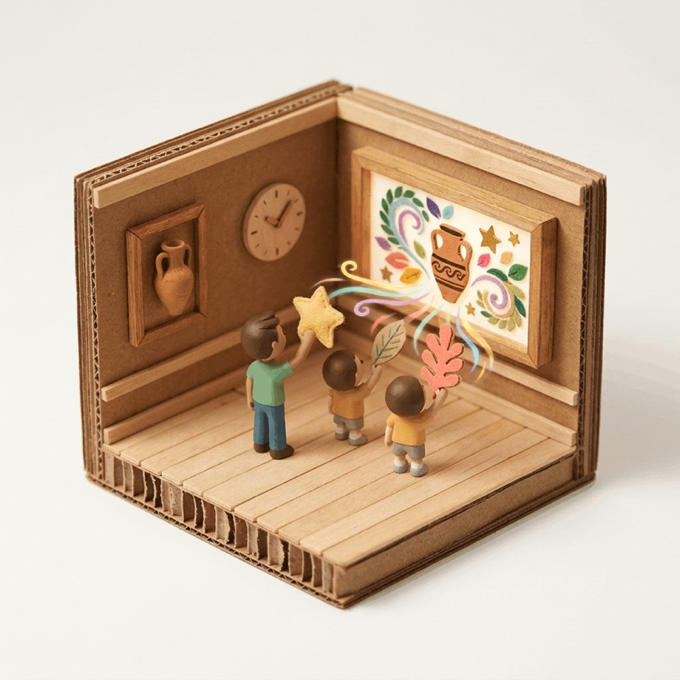
“Today this digital studio room belongs exclusively to our museum group! Turn a form you spotted in the gallery into a custom brush, share it to our room pool, and paint alongside each other’s motifs!”
Scenario & Workshop Overview
Museum education teams create an isolated, optionally password-protected Shareable Collaborative Room for each workshop slot. Groups can RSVP ahead of a scheduled countdown or join immediately via a single invite link; participants photograph or draw exhibition-inspired motifs, add them to the room’s shared brush pool, and co-create on one real-time canvas via camera hand tracking or touch.
Step-by-Step Story & Workshop Flow
1. Schedule the Session Room & Share Invite Link (5 min)
The educator creates a room from the Lobby, setting the group name, participant/stroke caps, optional password, and start time, then shares the link or QR code across workshop tablets.
2. Turn Exhibition Motifs into Shared Room Brushes (15 min)
Participants photograph paper or clay motifs inspired by the gallery and tap Profile → My Patterns → “Add to Room” so everyone in the room can paint with them.
3. Co-Painting via Camera Hand Gestures & Touch (15 min)
Once live, everyone paints simultaneously on the shared room canvas via camera hand gestures or touch, filtering shared brushes by creator name.
4. Host Pause for Curatorial Reflection (10 min)
Using host controls, the educator pauses the canvas for a group reflection on the projected collective composition.
Pedagogical & Creative Outcomes
- Providing each visiting group with a dedicated, moderated digital studio isolated from public traffic
- Building a culture of creative generosity as visitors share handmade brushes in a common pool
- Extending museum learning before or after physical visits through scheduled online room links
MONNOM Features Used
Equipment & Materials
- • Modern web browser on iPads, tablets, or laptops (playmonnom.com/play — zero install)
- • Craft paper, markers, and an optional shared display or projector
Frequently Asked Questions
Can the museum educator start a scheduled room early if the group arrives ahead of time?
Yes. The room host can click “Start Early” on the countdown screen at any moment to open the live canvas immediately, or reschedule the start time.
Can uninvited public users enter our museum workshop room?
No. Dedicated rooms only appear to invited members who hold the room link (and optional room password), with full host kick/moderation controls.
