
iOS AR Face Paint Masks & Dynamic Pattern Animations for Imaginative Roleplay
An imaginative roleplay scenario where kids design custom AR face-paint masks on iOS and animate spinning, pulsing patterns on canvas.
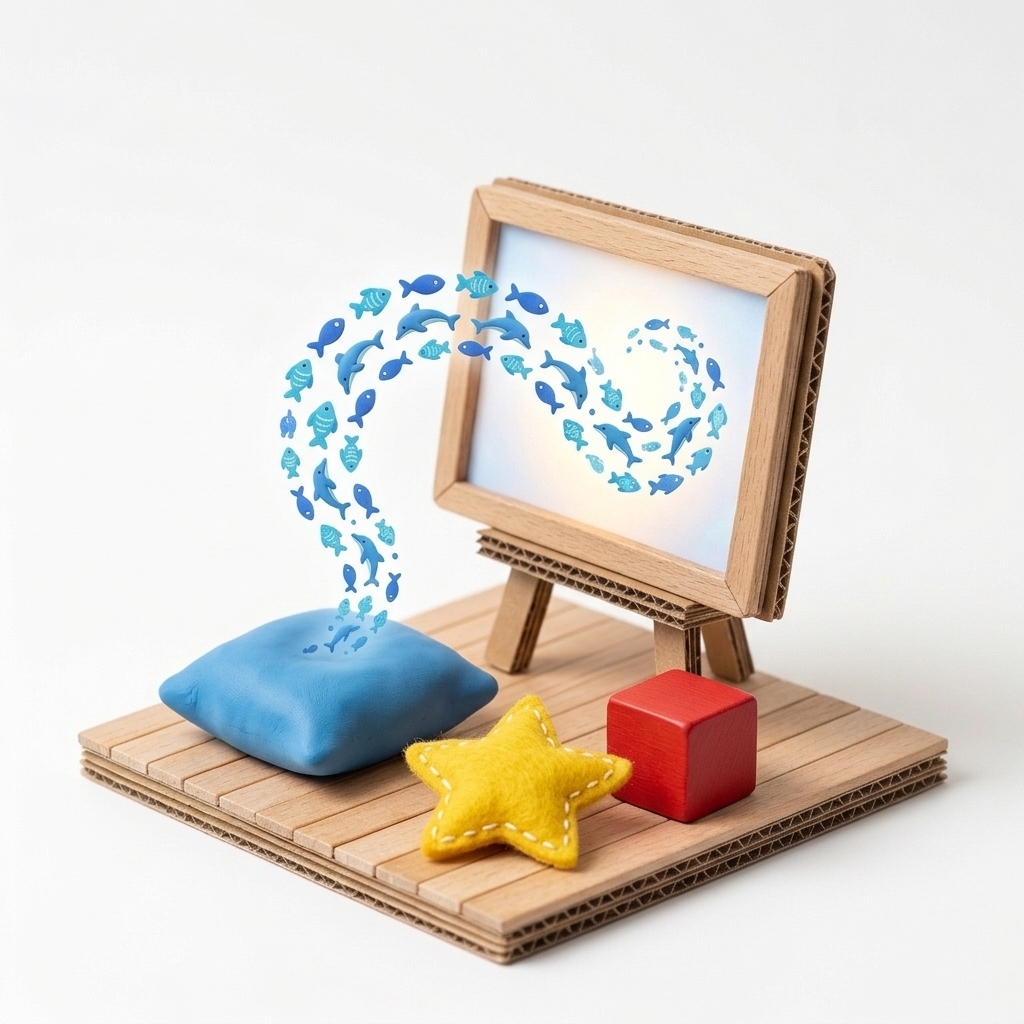
“Which story hero will you become today? Draw your own pattern first, try it on as a living mask in iOS Face Paint mode, and paint your hero’s world with animated brushes!”
Scenario & Workshop Overview
Combining the AR Face Paint mode in the Monnom iOS app with dynamic Spin & Pulse canvas animations, children transform into forest guardians, sea creatures, or space explorers—wearing their own hand-drawn patterns as digital theater masks.
Step-by-Step Story & Workshop Flow
1. Design Your Character Pattern
The child creates a custom pattern using stars, leaves, paw prints, or their own hand-drawn symbol.
2. Try Your Mask in iOS AR Face Paint Mode
In the Monnom iOS app, open Face Paint mode to paint directly onto a live 3D face mesh, creating an expressive theatrical mask.
3. Animate the Scene with Spin & Pulse
Switch on both Spin and Pulse Size on the canvas to paint a vibrant, animated backdrop for the character’s story.
Pedagogical & Creative Outcomes
- Supporting identity exploration, empathy, and dramatic roleplay
- Playful interaction between facial expressions, mimicry, and visual design
MONNOM Features Used
Equipment & Materials
- • iPhone or iPad (for AR Face Paint) / Web Browser (for Animated Canvas)
Frequently Asked Questions
Can Spin (rotation) and Pulse (size oscillation) animations run at the same time?
Yes. Both rotation speed and pulse size speed can be active simultaneously from the top-right toolbar to create rich, dynamic pattern trails.
