
From Physical Craft to Digital Brush: Create & Animate Your Own Story Character
A hybrid maker workshop where children sculpt or draw characters with clay, felt, cardboard, or paper and turn them into animated digital brushes.
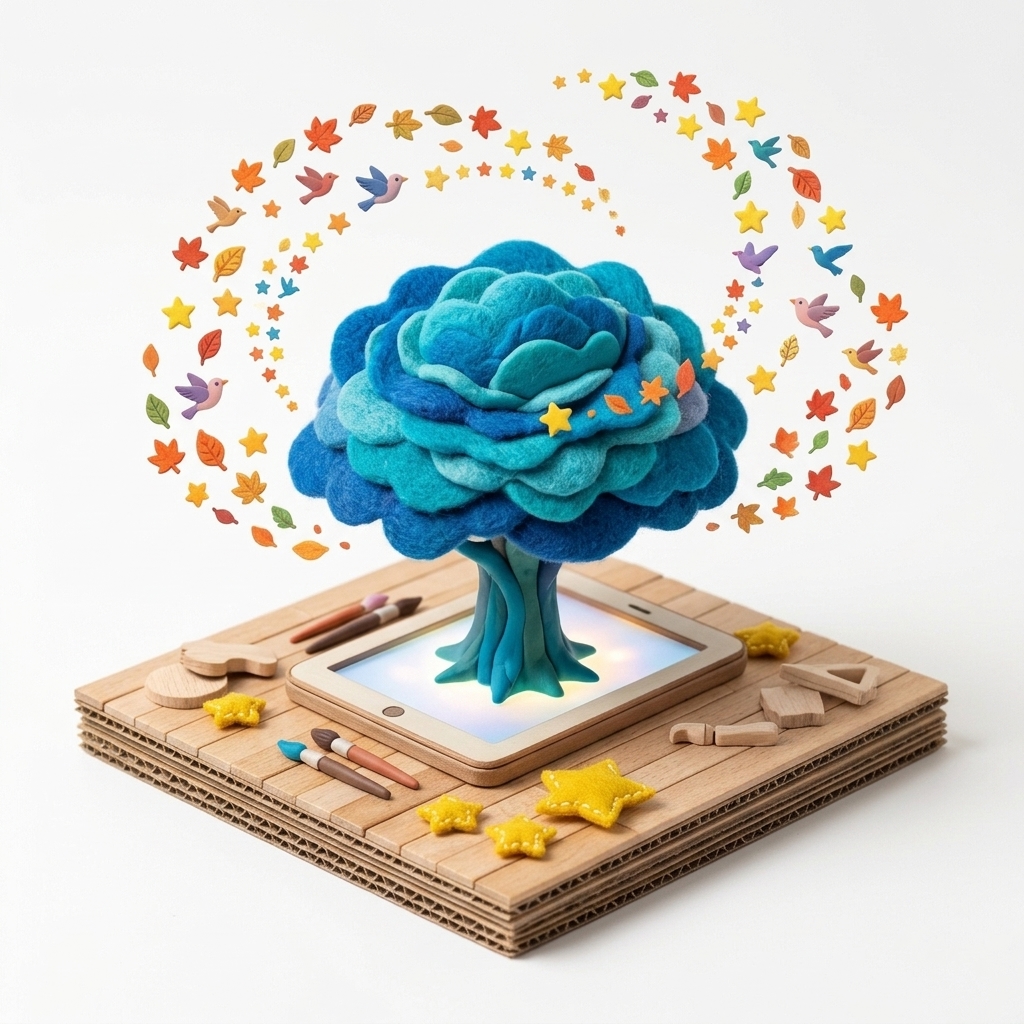
“The little hero you sculpted out of clay and cardboard on your desk is ready to jump into the screen, multiply, and paint its own adventure!”
Scenario & Workshop Overview
Bridging hands-on maker crafts with digital animation, students first build a tactile character out of clay, felt, or paper. Using MONNOM’s Photo-to-Pattern or Draw-a-Pattern tool with automatic background removal, they transform their physical craft into a spinning, pulsing digital brush.
Step-by-Step Story & Workshop Flow
1. Tactile Character Crafting (15 min)
Students craft their story character on a white sheet using modeling clay, felt pieces, leaves, or markers.
2. Photographing & Digitizing (5 min)
Using “+ New → Custom Pattern → Take Photo” in MONNOM, students capture their craft; the background is automatically made transparent and saved to “My Patterns.”
3. Movement & Animation Choreography (15 min)
Students enable 360° Spin and Pulse Size from the top-right toolbar to choreograph how their crafted character moves and scales across the canvas.
4. Story Showcase (10 min)
Students present their physical craft alongside the animated digital story scene they created with it.
Pedagogical & Creative Outcomes
- Design thinking: experiencing the journey from physical prototype to digital artifact
- Balancing tactile hands-on material exploration with creative screen time
- Empowering children to author their own digital tools instead of only consuming presets
MONNOM Features Used
Equipment & Materials
- • Modeling clay, colored cardboard, felt, leaves, or markers
- • Tablet (iPad) or computer with camera
Frequently Asked Questions
Are custom patterns created by students saved permanently?
Yes. Custom patterns are saved locally in IndexedDB and synced to Firebase Cloud when signed in, appearing automatically across both iOS and Web.
