Use Cases, Story Workshops & Solutions

Explore how museums, schools, teachers, and families use MONNOM’s camera gesture tracking, everyday object recognition, custom craft brushes, and multiplayer canvas to build interactive storytelling experiences.

Museums & Cultural Institutions
Target Audience & Workshop Pillar

Museums & Cultural Institutions

Museum learning programs that connect exhibition narratives with everyday objects, bodily movement, and collective digital storytelling workshops.

Ages 5–1245–60 MinutesWeb PlayiOS & iPadOS

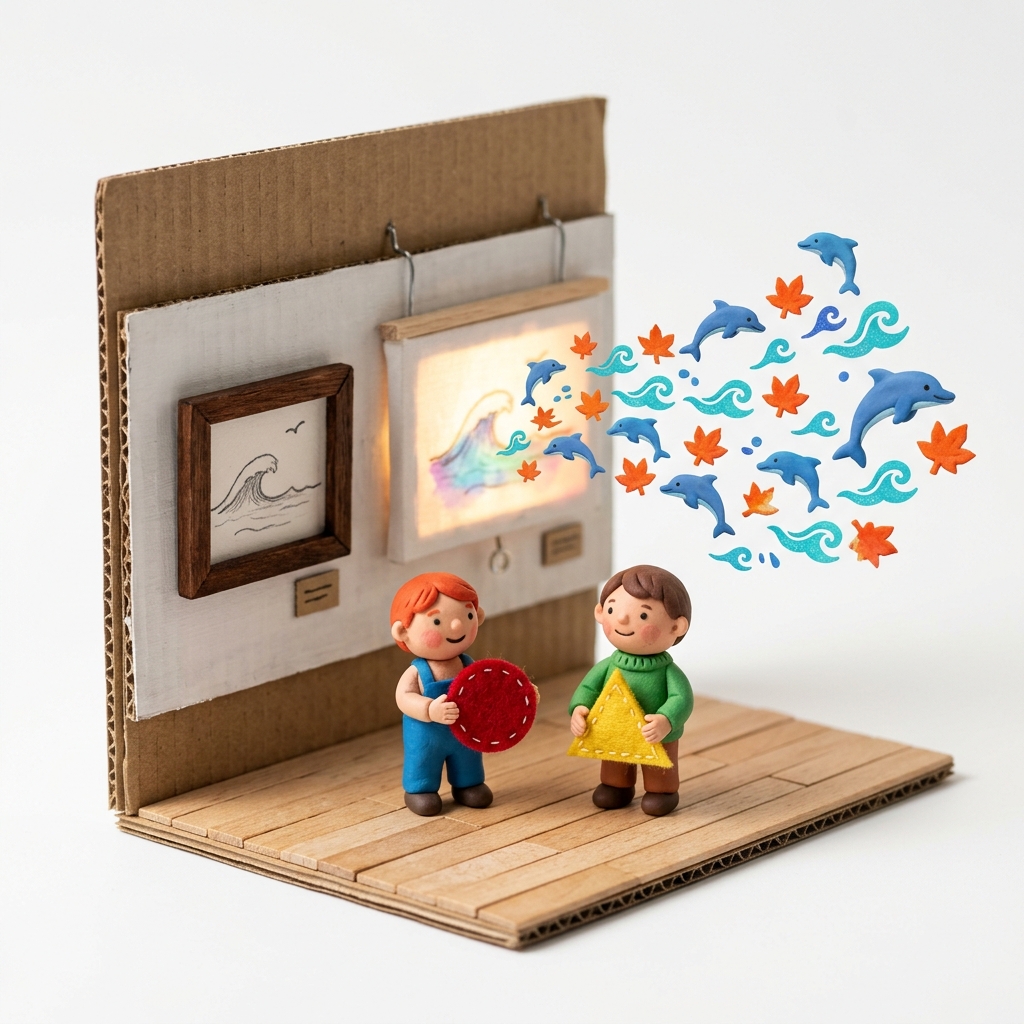
From Exhibition to Story: Interactive Narrative Workshop Inspired by Museum Artworks

A museum workshop format where children translate forms, colors, and stories discovered in an exhibition into digital canvases through craft and movement.

“If the leaves, waves, and figures inside the museum painting suddenly came alive and stepped into the gallery, what story would your character tell them?”
Custom Pattern from PhotoCamera Hand & Color Tracking360° Spin & Pulse Size Patterns
Ages 6–1245–60 MinutesWeb PlayiOS & iPadOS

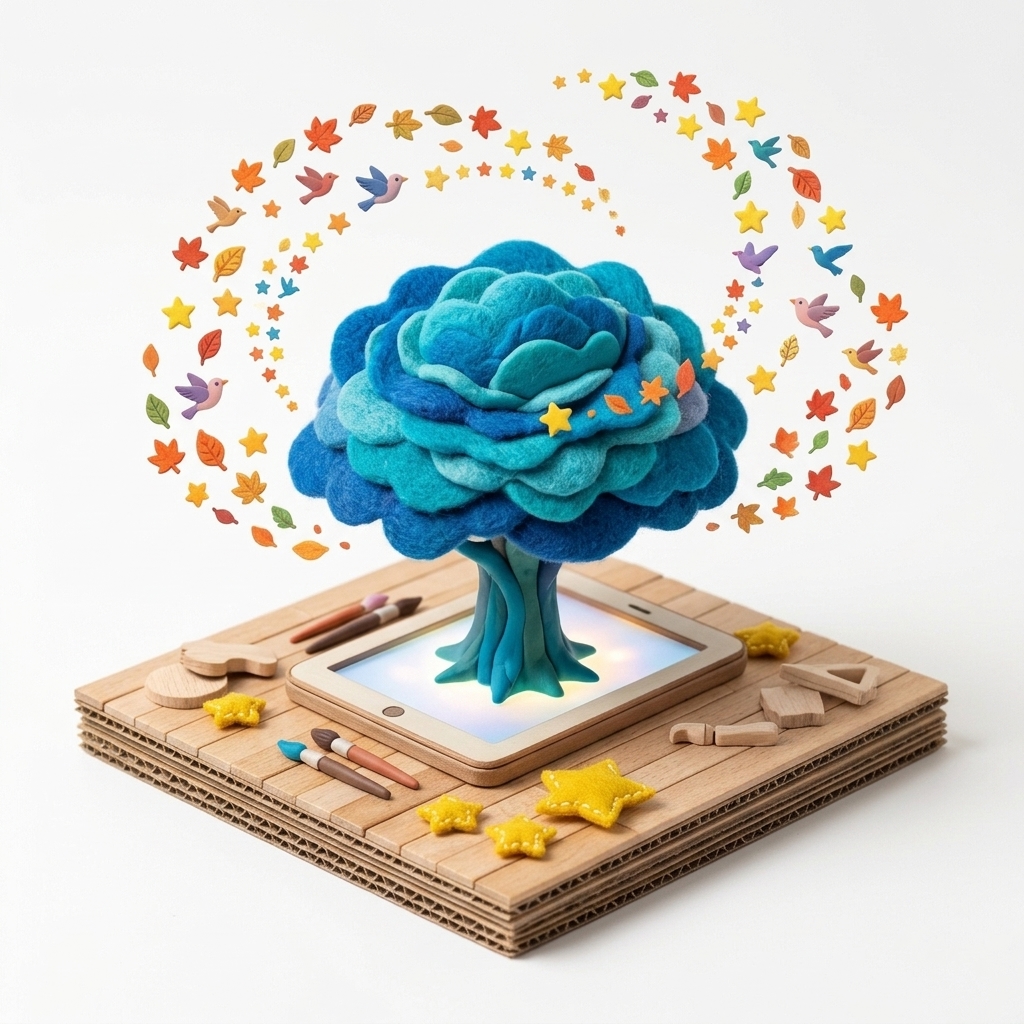
From Earth to Sky Collective Story: Digital Atlas & 3D Dream Tree Workshop

An archivable workshop model where each child’s individual story layer merges into a living Digital Atlas wall and interactive 3D Dream Tree.

“Each of us paints a different layer of the same world—roots, rivers, forests, and stars. What kind of universe will emerge when our canvases unite?”
Digital Atlas Wall & A4 PDF/JPG Catalog3D Dream Tree Interactive GalleryCustom Background & Layer Selection
Ages 3+ (All Visitors)Drop-in Experience (5–15 min loops)Web PlayiOS & iPadOS

Touchless Museum Installation: Interactive Walls Powered by Everyday Objects & Movement

A walk-up interactive installation where visiting children paint and animate stories on a giant projection wall using hand gestures and colorful objects without touching a screen.

“Without touching the screen, can you turn the blue object in your hand into a swimming fish and the yellow object into a glowing sun to wake up the garden on the wall?”
Simultaneous 4-Hand Camera TrackingCIELAB Real-Time Object Color TrackingCamera Feed Hide Toggle (Privacy Mode)
Schools & Kindergartens
Target Audience & Workshop Pillar

Schools & Kindergartens

Classroom creative drama and group workshops combining fairytale narration, craft character creation, and real-time multiplayer canvases.

Ages 4–830–40 MinutesWeb PlayiOS & iPadOS

From Fairytale to Canvas: Active Digital Storytelling Workshop for Preschool & Primary

A creative drama workshop where fairytale characters are paired with classroom objects and brought to life through children’s bodily movements.

“The dolphins swam close to the shore today! Let’s wave our blue objects to paint ocean waves for them, and lift our yellow objects to light up the sky!”
Everyday Object Color TrackingTouchless Hand Gesture DrawingReady-Made Nature, Sea & Animal Packs
Ages 6–1430–45 MinutesWeb PlayiOS & iPadOS

Whole-Class Shared Story Scene: Real-Time Multiplayer Canvas Workshop

A collaborative workshop where all classroom tablets and computers connect to a single real-time canvas to build a shared storybook world.

“Today our entire class shares one giant canvas: the left corner is the deep ocean, the center is a lush forest, and the right is a city of the future. Let’s build our world together!”
Real-Time Multiplayer Shared CanvasPassword-Protected Room & Teacher Pause ControlLive Canvas Minimap & Active Player List
Ages 5–1240–50 MinutesWeb PlayiOS & iPadOS

From Physical Craft to Digital Brush: Create & Animate Your Own Story Character

A hybrid maker workshop where children sculpt or draw characters with clay, felt, cardboard, or paper and turn them into animated digital brushes.

“The little hero you sculpted out of clay and cardboard on your desk is ready to jump into the screen, multiply, and paint its own adventure!”
Camera Photo-to-Pattern CreatorAutomatic Transparent Background RemovalBuilt-in Pattern Drawing Studio
Teachers & Classroom Lessons
Target Audience & Workshop Pillar

Teachers & Classroom Lessons

Ready-to-use lesson plans for smartboards, visual arts, pattern-color experiments, and MONNOM AI visual storytelling & language practice.

Ages 5–12 (K–8 Classrooms)1 Class Period (40 Minutes)Web Play

Interactive Art & Pattern Lesson on Classroom Smartboards with Camera & Touch

A zero-install visual arts lesson running directly in the classroom smartboard browser, combining multi-touch drawing with camera gesture tracking.

“If a single brush stroke spins around its axis while pulsing large and small like a heartbeat, what kind of natural rhythm emerges on the board?”
Zero-Install Web Browser Support360° Spinning Pattern (-5x to +5x)Pulse Size Animation (10px ↔ 600px)
Ages 7–1340 MinutesWeb PlayiOS & iPadOS

Visual Literacy, Creative Writing & Language Practice with MONNOM AI

A creative writing and ESL/EFL activity where MONNOM AI describes children’s drawings in English and Turkish to spark storytelling.

“What fairytale did MONNOM AI discover inside your underwater and autumn leaf scene? Take the AI’s opening sentence and write the next chapter yourself!”
MONNOM AI Visual Analysis & Story GenerationBilingual (Turkish & English) DescriptionsChild-Safe Pedagogical Prompts & Quotas
Ages 8–1540 MinutesWeb Play

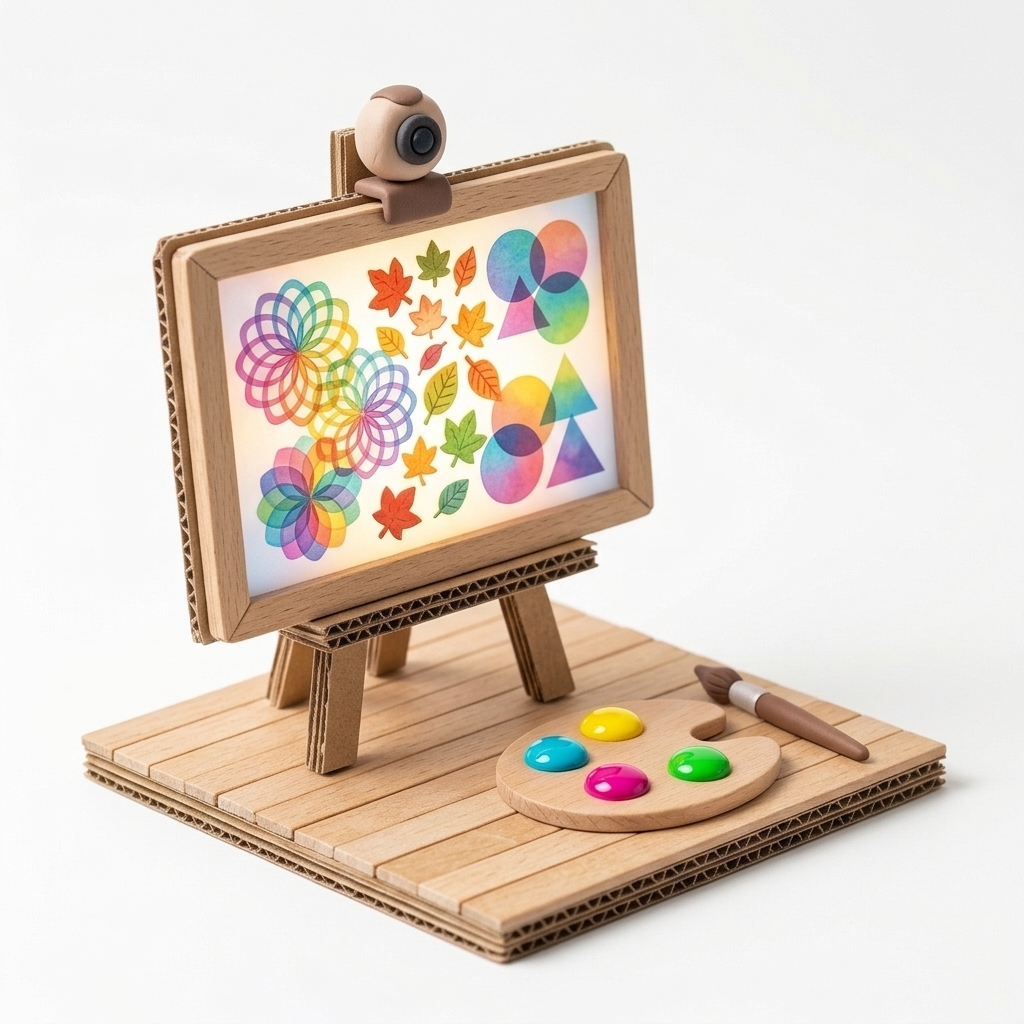
Light & Color Experiments with Pattern Opacity and Digital Blend Modes

A STEAM & digital art lesson exploring how overlapping patterns interact through 0–100% Opacity and 8 Blend Modes (Multiply, Screen, Overlay, Difference).

“When we layer two watercolors on paper, they get darker—but what happens when two patterns overlap using light (Screen or Difference blend modes)?”
0–100% Precision Pattern Opacity8 Blend Modes (Multiply, Screen, Overlay, Difference...)Solid, Gradient & Textured Canvas Backgrounds
Families & Children
Target Audience & Workshop Pillar

Families & Children

Home play scenarios that turn passive screen time into safe, ad-free, active creative play using everyday colorful toys and objects.

Ages 3–10 (Family Play)15–30 MinutesiOS & iPadOSWeb Play

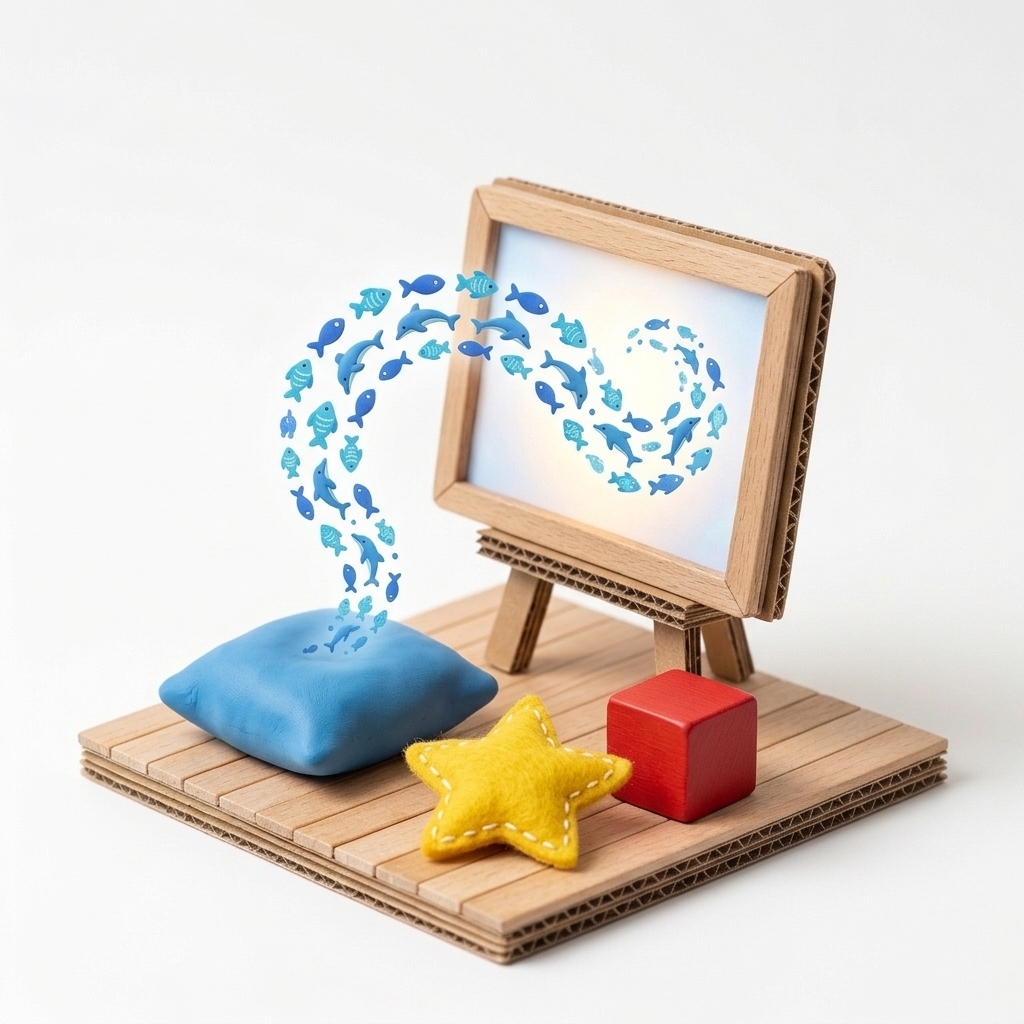
Story Play with Everyday Toys at Home: “Pillow in the Room, Fish on the Screen”

A playful living-room game where a cushion, apple, or toy block held up to the camera transforms into swimming fish and swirling leaves on screen.

“Let’s turn the blue sofa pillow into a dolphin, the red apple into a ladybug, and the yellow cup into a shooting star! Who can jump high enough to paint the stars across the sky?”
CIELAB Smart Color Tracking (4-Color Mapping)Front & Rear Camera SupportUp to 4-Hand Sibling & Family Co-Play
Ages 3–12Flexible (15–30 min Daily Creative Routine)iOS & iPadOSWeb Play

Active Play Over Passive Screens: Safe, Ad-Free Creative Time for Families

Built on children’s digital rights principles—100% free of ads, dark patterns, or addictive loops, turning screen time into creative artistic agency.

“How about starting a drawing on your iPad in the afternoon, finishing it with your family on the laptop, and turning it into a bedtime story with MONNOM AI?”
100% Ad-Free & Child-Safe EnvironmentiOS ↔ Web Cloud Artwork SyncCross-Device Non-Shrinking Canvas Preservation
Ages 4–1115–30 MinutesiOS & iPadOSWeb Play

iOS AR Face Paint Masks & Dynamic Pattern Animations for Imaginative Roleplay

An imaginative roleplay scenario where kids design custom AR face-paint masks on iOS and animate spinning, pulsing patterns on canvas.

“Which story hero will you become today? Draw your own pattern first, try it on as a living mask in iOS Face Paint mode, and paint your hero’s world with animated brushes!”
iOS AR Real-Time Face Paint & Mask Mode360° Spin & Pulse Size Pattern AnimationsPersonalization with Custom Pattern Brushes

Ready to bring MONNOM to your classroom, museum, or living room?

Start playing immediately in your browser, download the free iOS app, or contact Studio MONNOM for custom institutional workshops.