
Light & Color Experiments with Pattern Opacity and Digital Blend Modes
A STEAM & digital art lesson exploring how overlapping patterns interact through 0–100% Opacity and 8 Blend Modes (Multiply, Screen, Overlay, Difference).
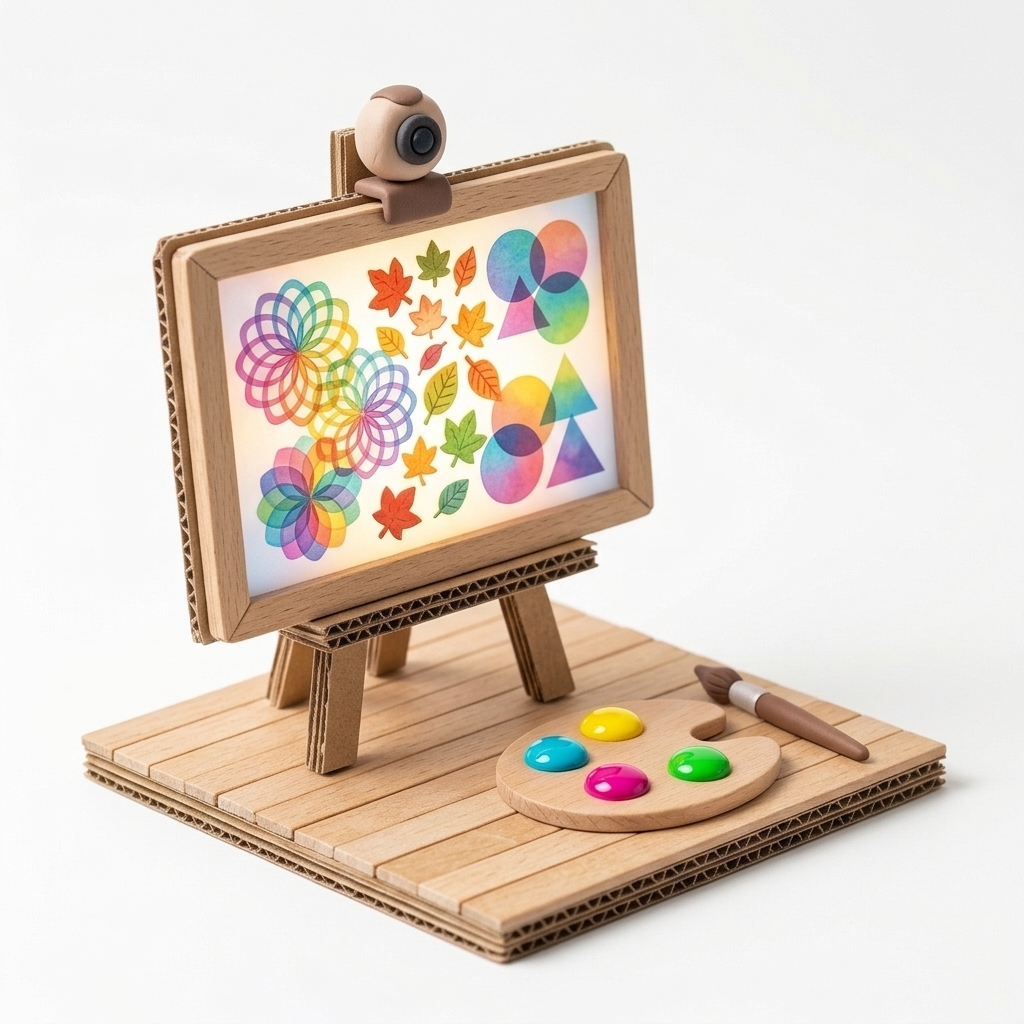
“When we layer two watercolors on paper, they get darker—but what happens when two patterns overlap using light (Screen or Difference blend modes)?”
Scenario & Workshop Overview
Bringing printmaking (screen printing / relief printing) and light-color theory to the digital canvas, students experiment with the bottom-right Opacity & Blend Mode tool to observe how overlapping patterns darken, brighten, or invert colors.
Step-by-Step Story & Workshop Flow
1. Watercolor Effect: Opacity & Multiply (10 min)
Students set Opacity to 40% and select “Multiply,” observing how overlapping leaf patterns darken like translucent watercolor glazes or colored cellophane.
2. Light & Contrast: Screen & Difference (15 min)
On a dark canvas background, students test “Screen” and “Difference” modes to discover glowing additive light and color-inversion intersections.
3. Layered Day-to-Night Story Artwork (15 min)
Students apply their favorite blend modes to compose an atmospheric day-to-night or underwater light-refraction story artwork.
Pedagogical & Creative Outcomes
- Understanding the difference between subtractive pigment mixing (Multiply) and additive light mixing (Screen)
- Building foundational digital design literacy around layers, opacity, and blending
MONNOM Features Used
Equipment & Materials
- • Computer, tablet, or smartboard (playmonnom.com/play)
Frequently Asked Questions
Can students mix different opacity levels and blend modes within the same artwork?
Yes. MONNOM bakes each stroke with its own opacity and blend mode, allowing unlimited layering within a single canvas.
