
Interactive Art & Pattern Lesson on Classroom Smartboards with Camera & Touch
A zero-install visual arts lesson running directly in the classroom smartboard browser, combining multi-touch drawing with camera gesture tracking.
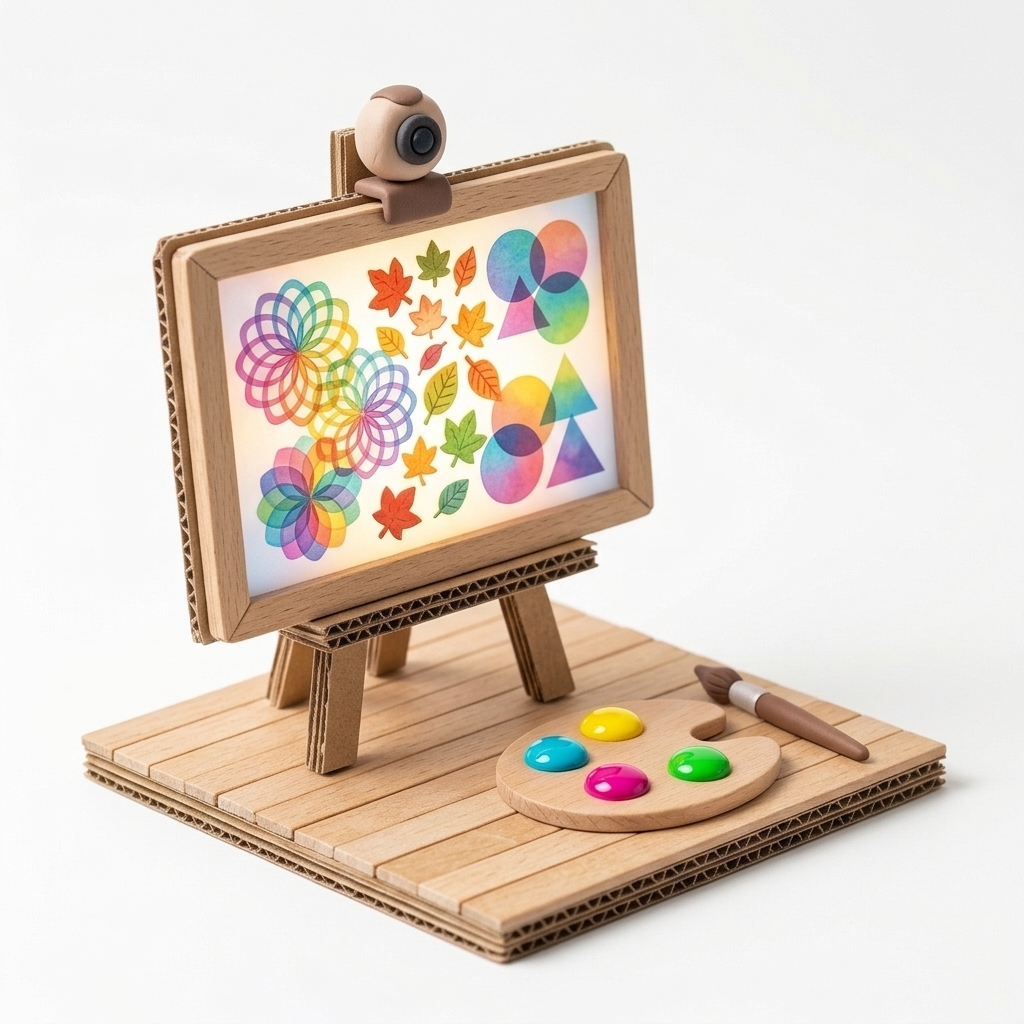
“If a single brush stroke spins around its axis while pulsing large and small like a heartbeat, what kind of natural rhythm emerges on the board?”
Scenario & Workshop Overview
Designed for visual arts and primary teachers, playmonnom.com/play opens directly on any classroom smartboard browser. Students create rhythmic patterns, symmetry, and dynamic compositions either by touching the board or gesturing in front of an attached webcam.
Step-by-Step Story & Workshop Flow
1. Rhythm & Pattern Warm-Up (5 min)
The teacher opens MONNOM on the smartboard, demonstrating a single stroke first static, then with Spin and Pulse Size enabled to highlight visual rhythm.
2. Relay Story Composition (20 min)
Students come to the board in pairs; each pair selects a pattern and animation speed to add their layer to the class’s seasonal story composition.
3. Composition Review & Export (15 min)
The finished class masterpiece is exported as a high-resolution PNG to be printed for the classroom art wall.
Pedagogical & Creative Outcomes
- Experiencing geometric patterns, rotation direction, and scale modulation visually
- Turning the classroom smartboard from a passive presentation screen into an active studio
MONNOM Features Used
Equipment & Materials
- • Interactive smartboard (compatible with any modern web browser)
Frequently Asked Questions
Does it require administrator privileges or software installation on school smartboards?
No. It runs entirely in the browser at playmonnom.com/play on Chrome, Edge, or Safari with zero installation.
