
Whole-Class Shared Story Scene: Real-Time Multiplayer Canvas Workshop
A collaborative workshop where all classroom tablets and computers connect to a single real-time canvas to build a shared storybook world.
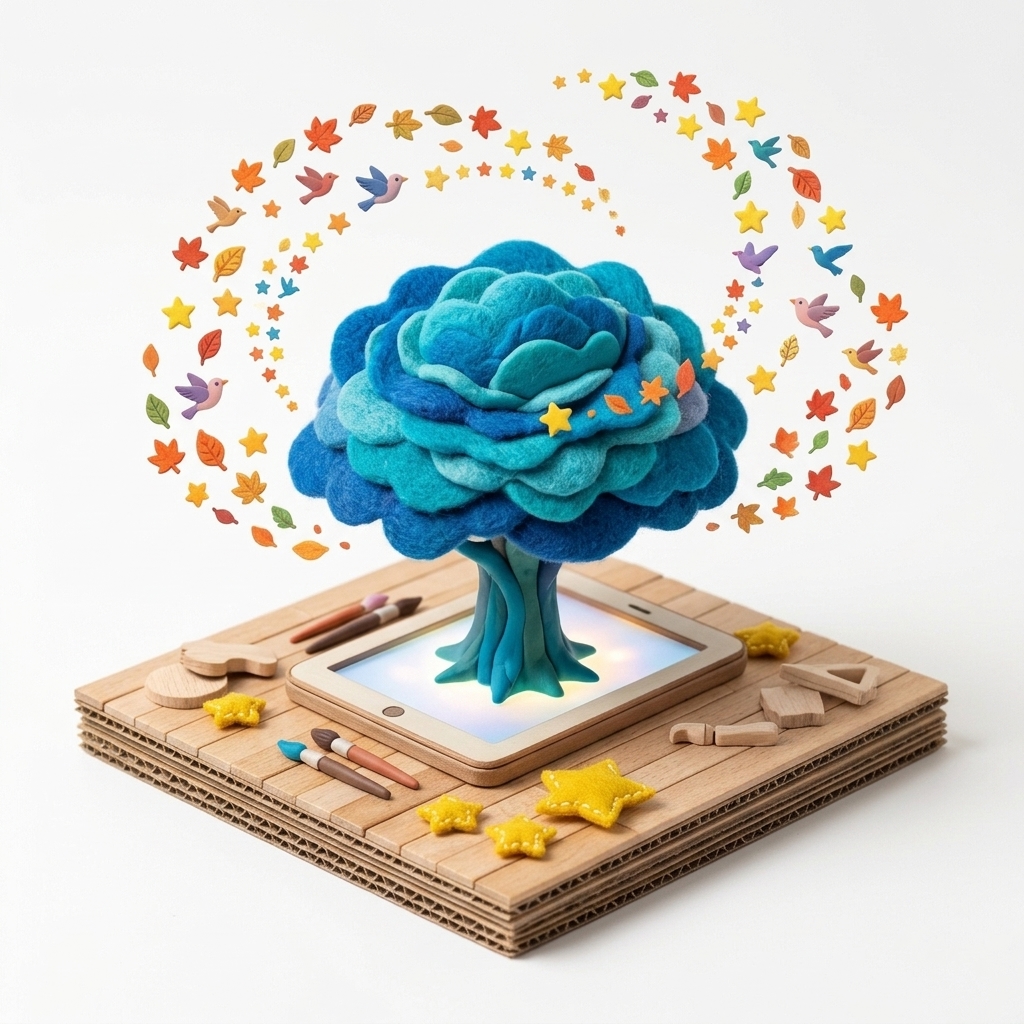
“Today our entire class shares one giant canvas: the left corner is the deep ocean, the center is a lush forest, and the right is a city of the future. Let’s build our world together!”
Scenario & Workshop Overview
With MONNOM Multiplayer mode, students in a classroom (or across partner schools) join a single expansive canvas simultaneously. Teachers can moderate with room passwords and Pause controls, archiving completed works into the 3D Dream Tree.
Step-by-Step Story & Workshop Flow
1. Joining the Multiplayer Room (5 min)
Students tap the Multiplayer card in the MONNOM Lobby from their tablets or laptops to join the shared classroom canvas.
2. Zone & Story Role Distribution (10 min)
Using the bottom-left Canvas Map (Minimap), student teams pick their zones and choose patterns that complement their classmates’ drawings.
3. Simultaneous Creation & Teacher Pause (15 min)
As students draw together in real time, the teacher can trigger a brief Pause overlay to hold a quick class discussion on how the visual story is evolving.
4. Shared History & 3D Dream Tree Review (10 min)
The finished collective artwork is archived and explored on the 3D Dream Tree alongside creations from other classes.
Pedagogical & Creative Outcomes
- Fostering digital citizenship, mutual respect, and co-creation in a shared space
- Enabling remote synchronous art collaborations between sister schools or classrooms
- Developing spatial planning and scale perception using the live Canvas Map
MONNOM Features Used
Equipment & Materials
- • 1 tablet or computer per student or pair (with internet connection)
Frequently Asked Questions
Do different screen sizes (iPads, phones, desktops) align properly on the same canvas?
Yes, they align seamlessly. MONNOM normalizes all stroke coordinates across device pixel ratios (DPR) and provides a live Canvas Map on every screen.
