My Shadow In The Garden / Interactive Installation
"My Shadow in the Garden" is a digitally-enhanced environment where children explore a digital landscape through their silhouettes and voices. Aligning with UNCRC digital rights, this project moves beyond "hand-eye" interaction to incorporate full-body movement. By bridging physical and digital spaces, it offers a technology-based art experience that empowers children to express themselves safely and creatively in the digital age.
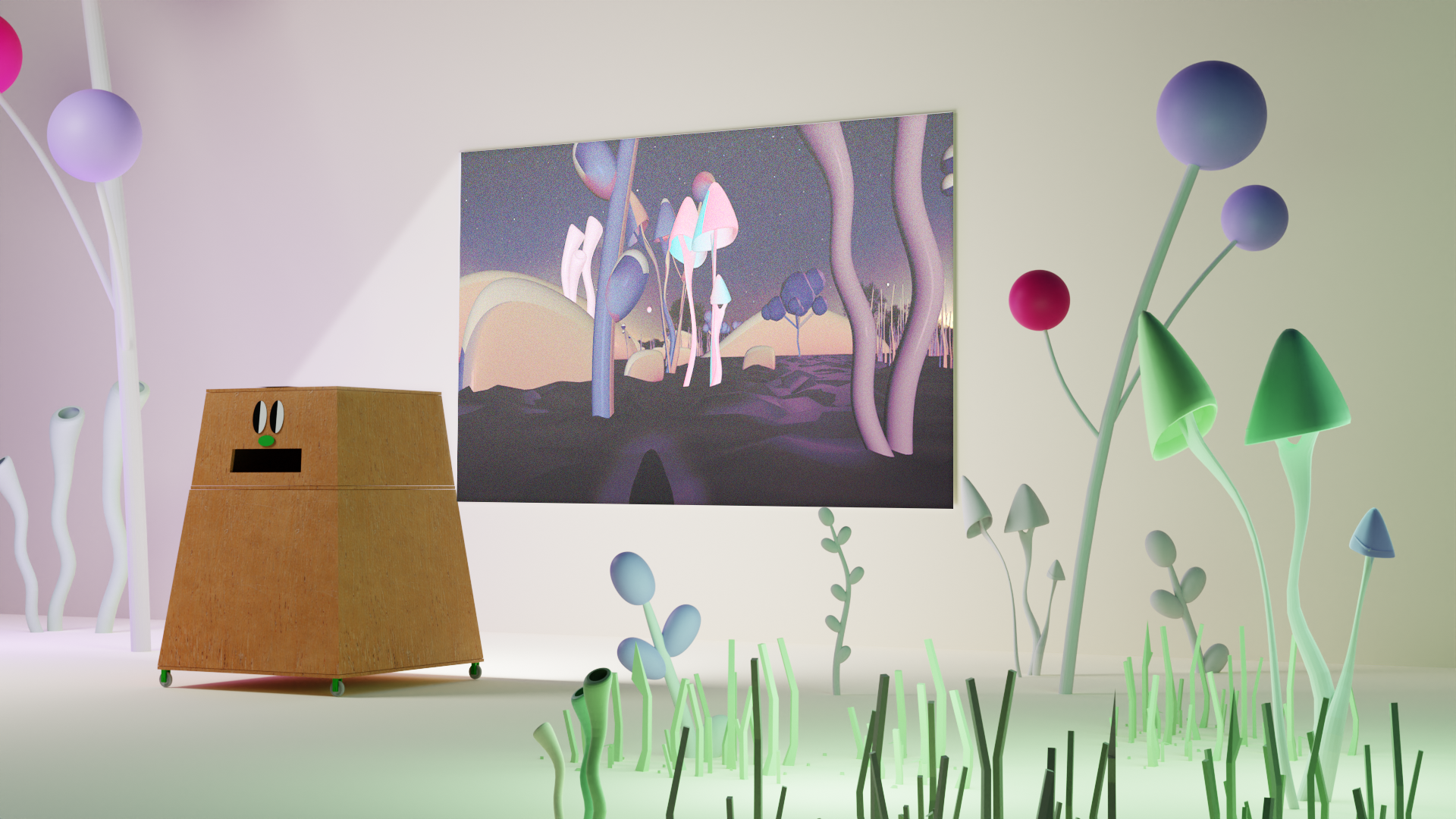
My Shadow in the Garden (Project Overview)
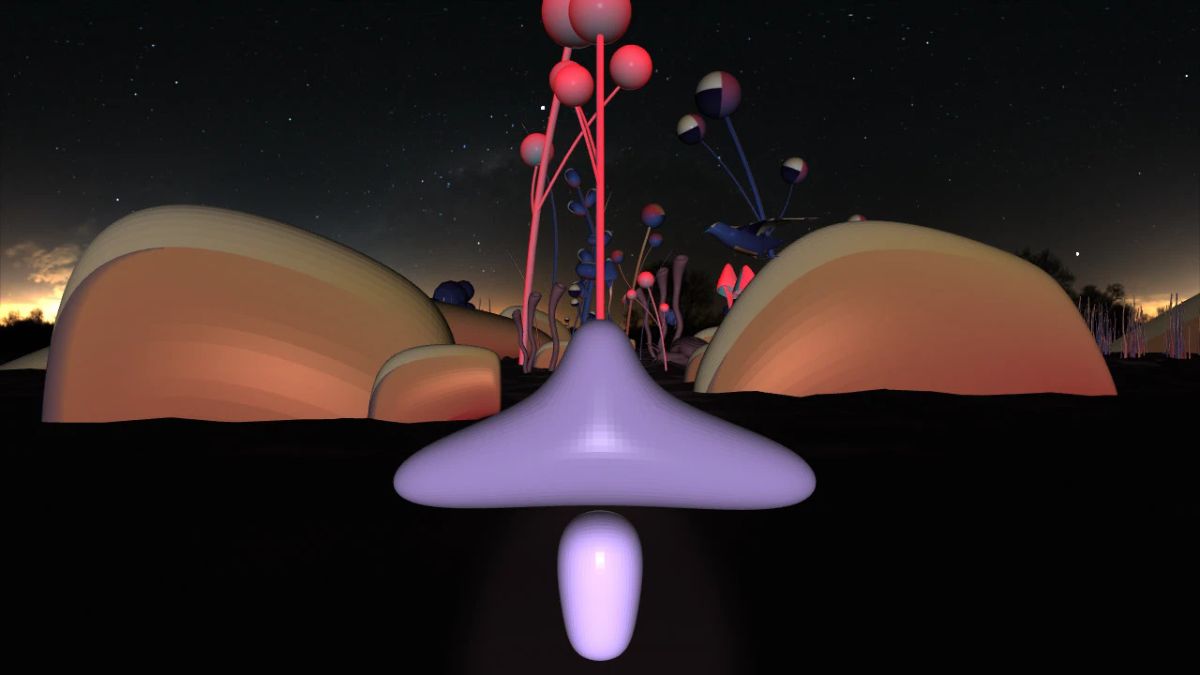
Concept & Narrative "My Shadow in the Garden" is an interactive scenario where children illuminate a digital garden through their silhouettes, navigate the space with their bodies, and leave unique traces with their voices. While digital environments often limit children to "hand-eye" interaction, this project focuses on embodied interaction. Aligning with the UNCRC (2021) digital rights, it provides a safe, technology-based art experience that bridges physical movement with digital expression.
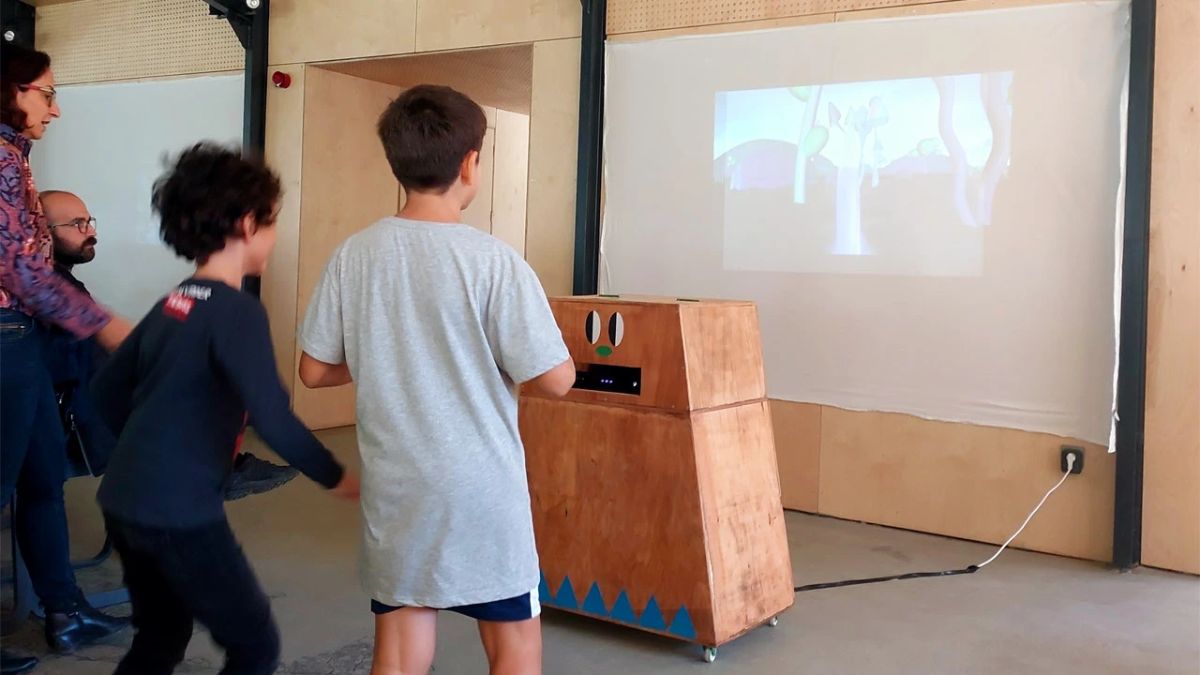
How it Works: Usage Scenario Designed for public spaces (metro stations, parks, schools), participants move freely in front of a projection screen. As they navigate the digital garden, their silhouettes move in real-time. By using their voices, they can trigger color changes in the environment, leaving temporary digital footprints. The interaction cycle resets every 3 minutes.
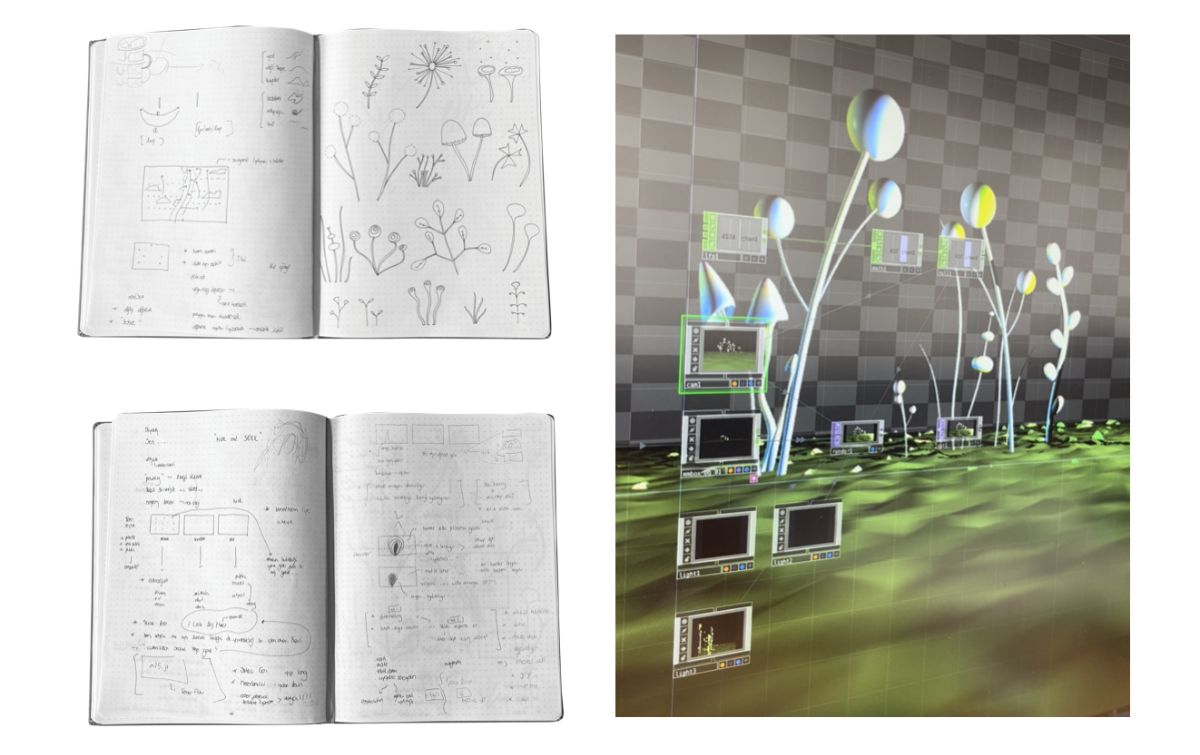
Technical Components * The Garden: A 3D environment designed with polygons.
- Silhouettes & Interaction: Users control the direction of an amorphous, permeable silhouette via their position. Arm movements scale the silhouette's size, and voice input shifts plant colors from green to blue.
- The Puppet (Alternative Avatar): Users control the puppet’s navigation; opening arms changes its size, while voice input shifts colors from red to blue.
Technical Specifications * Software: Developed using TouchDesigner (node-based visual programming).
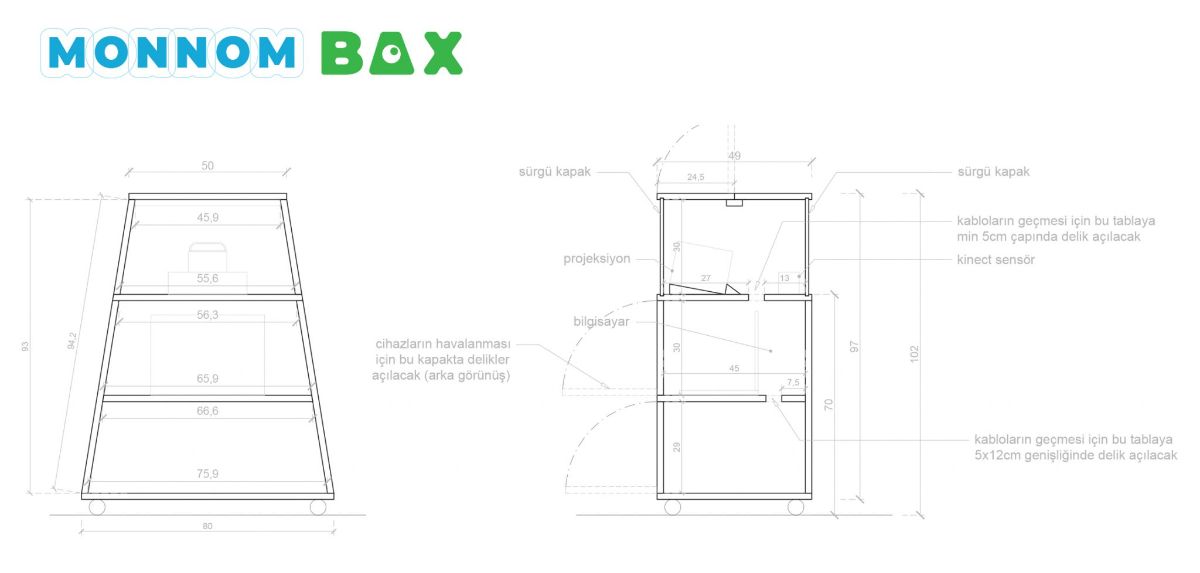
- Hardware: PC, Kinect Sensor, Projector (1920x1080), Screen/Wall, Internet, and Power.
- Space Requirements: A 3mx3m area for free movement.
- Setup: Flexible installation via the "Monnom Box" or connection to existing projection systems.
proje https://interactive.amberplatform.org/bahcedeki-golgem-final/
